What's new at Videntic.

Everything we ship, week by week.

Explore Full Prompt Results

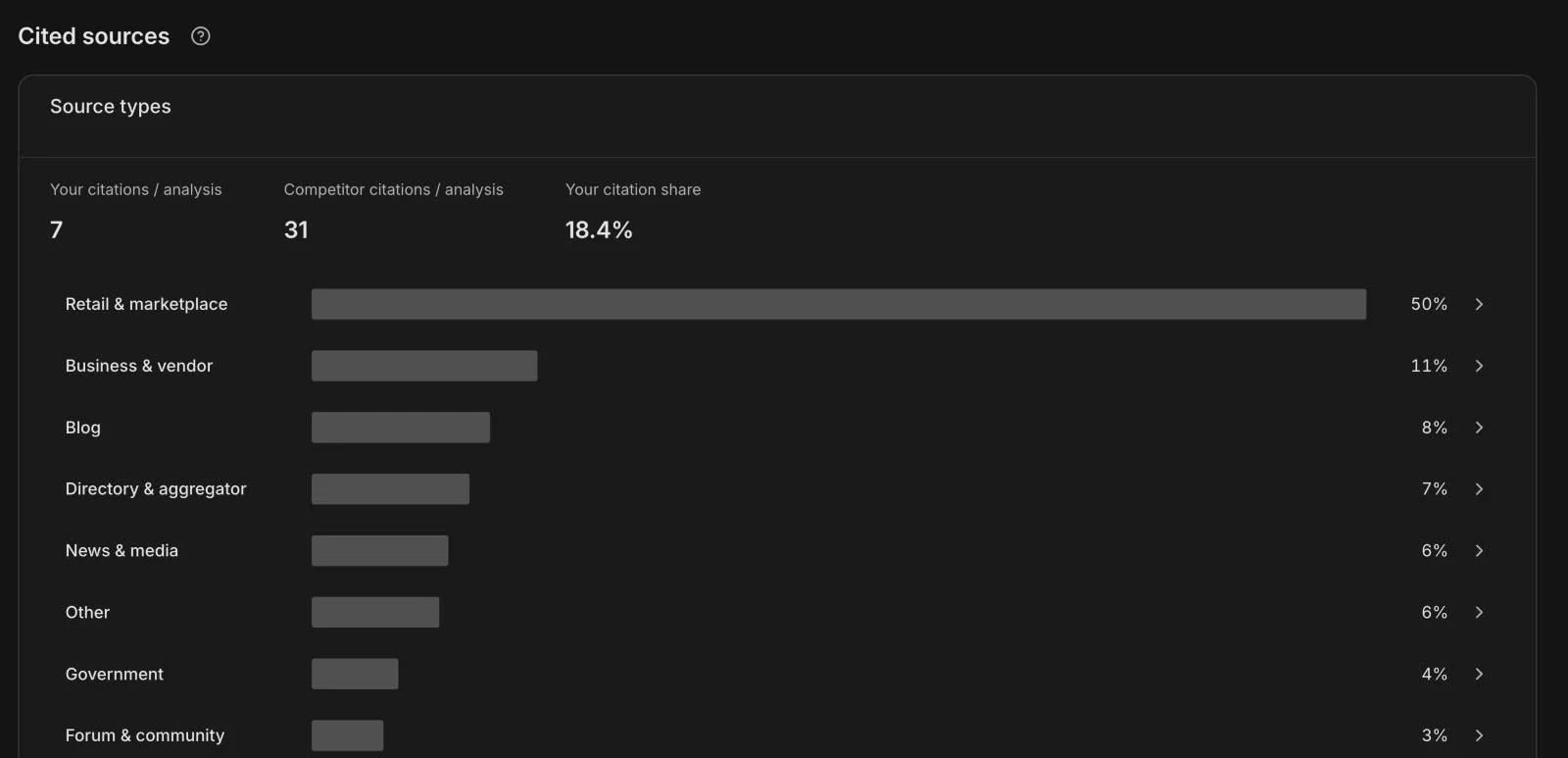
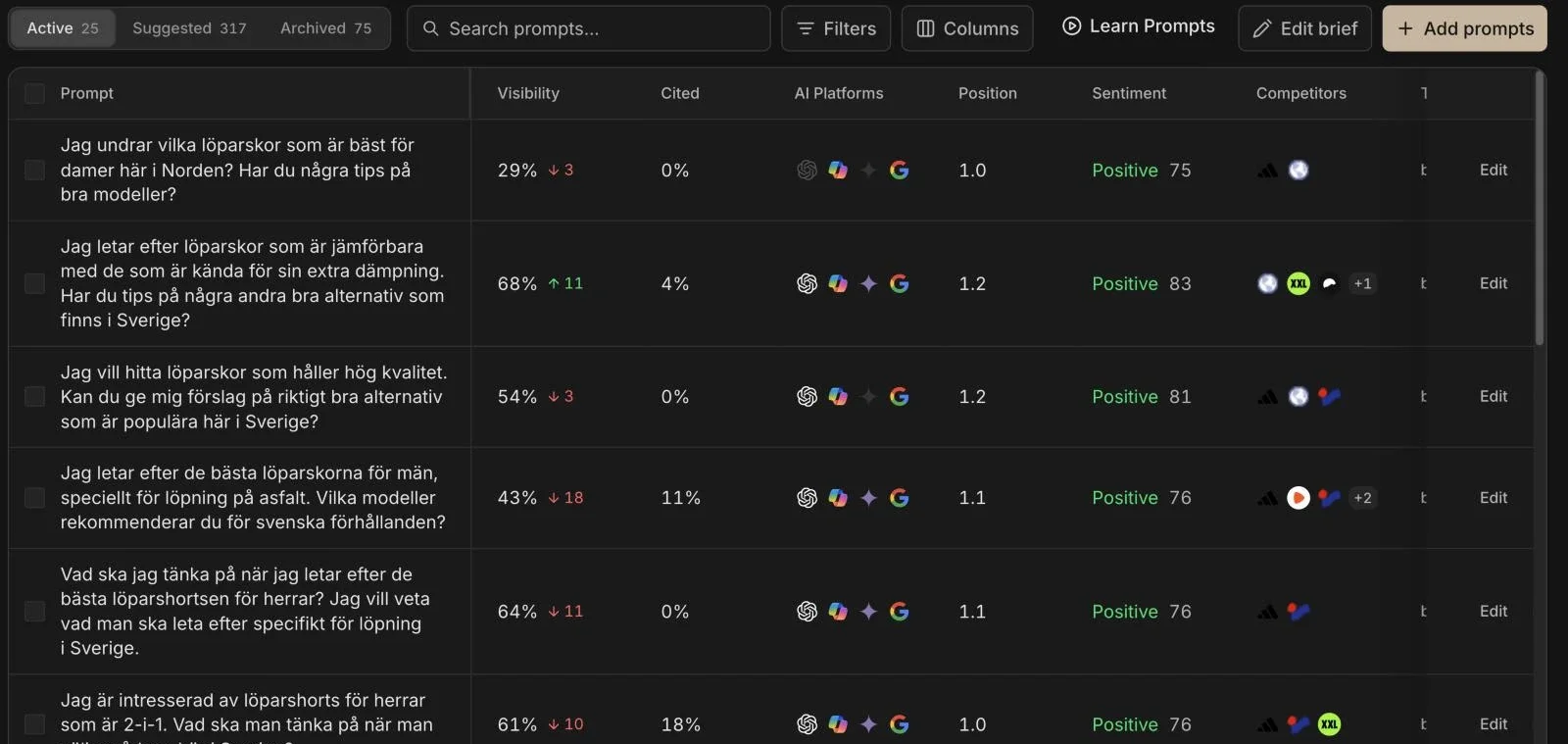
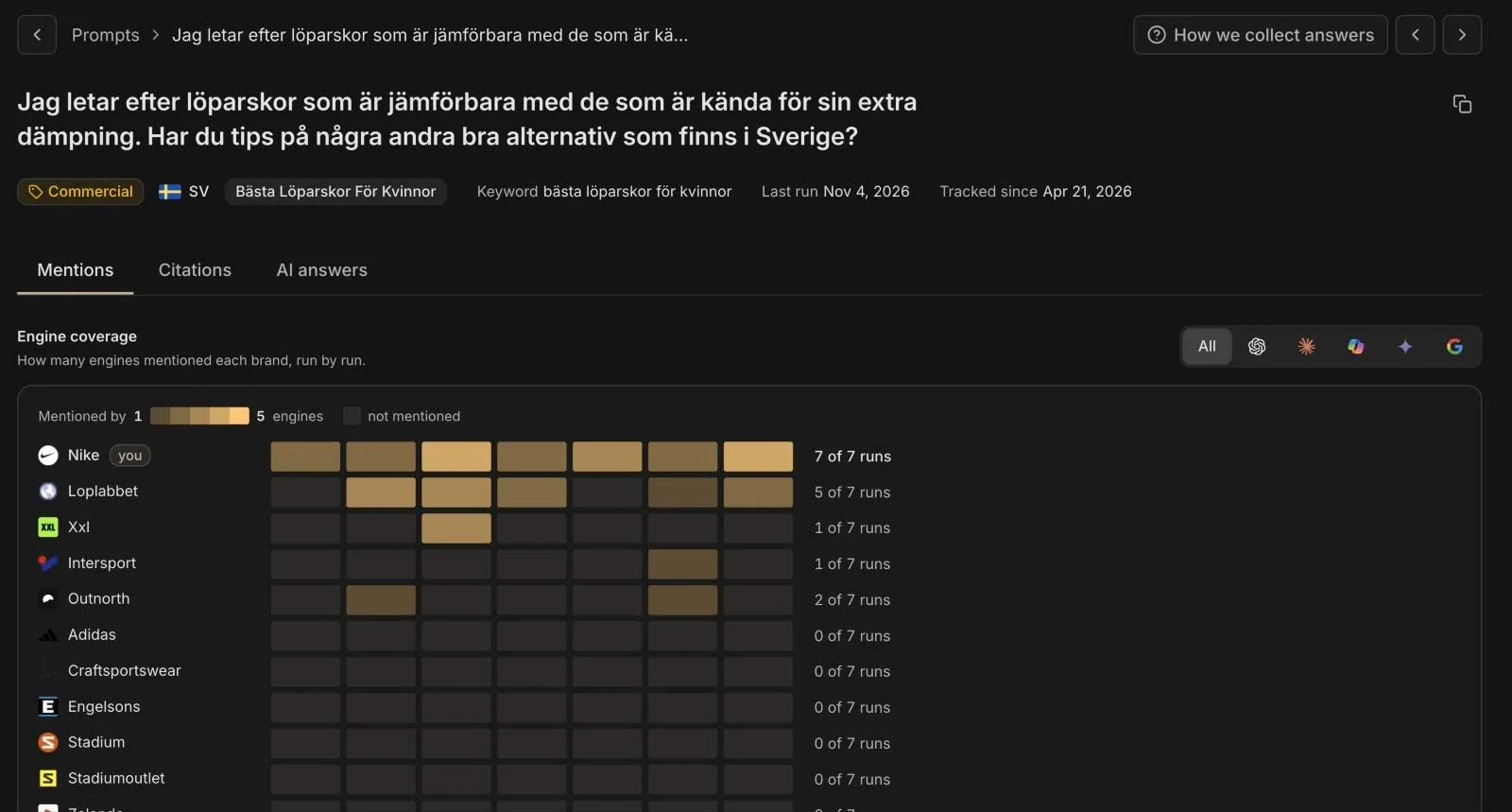
See, for every prompt, how often AI answers cite your site, how they describe you, which competitors appear and how visibility moved. Open any prompt as a full page with Mentions, Citations and AI answers tabs, with links to the exact pages each AI cited.

More updates2Improvements6Fixes10

Show more
See Your Whole Project in One Overview

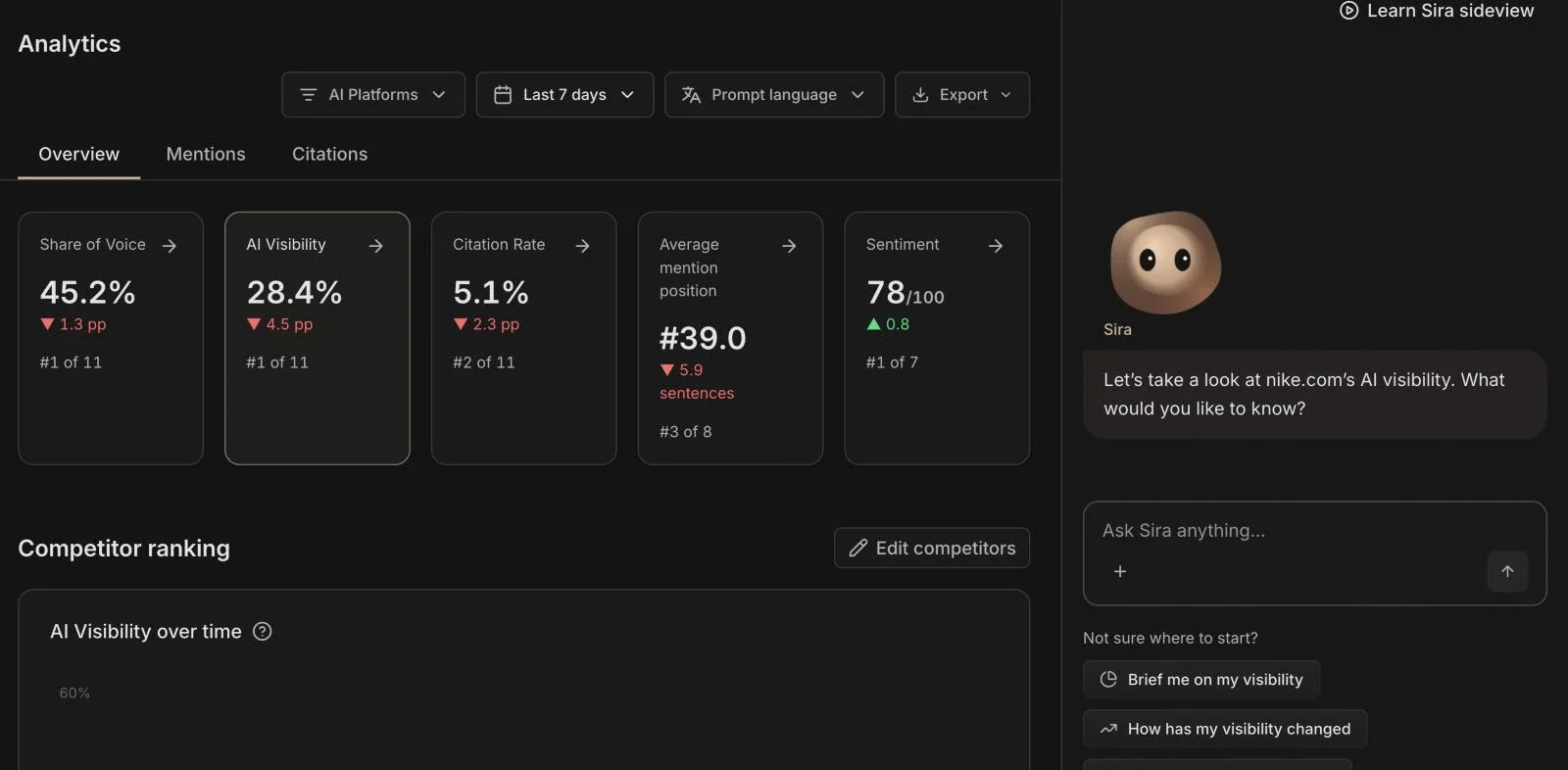
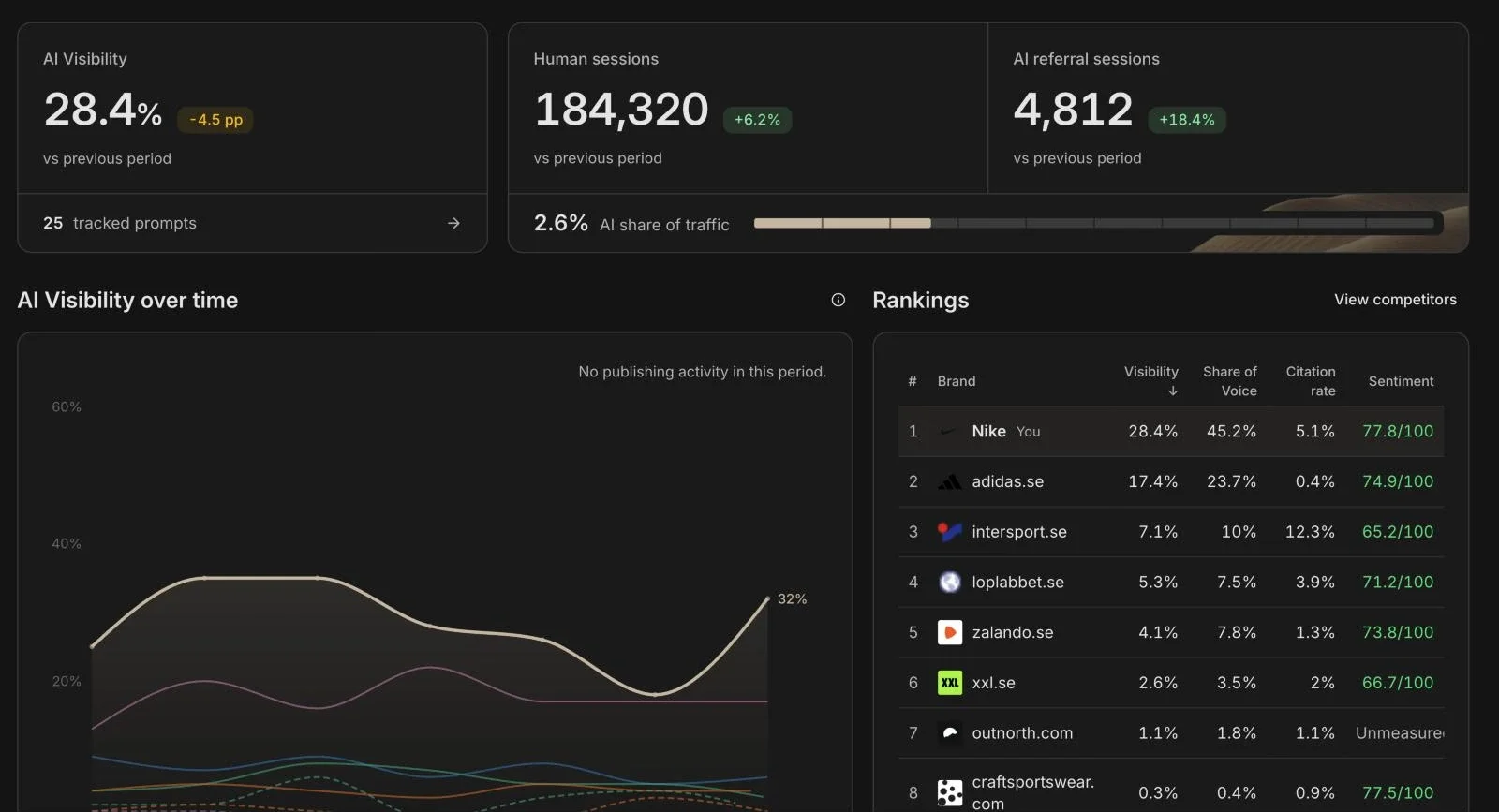
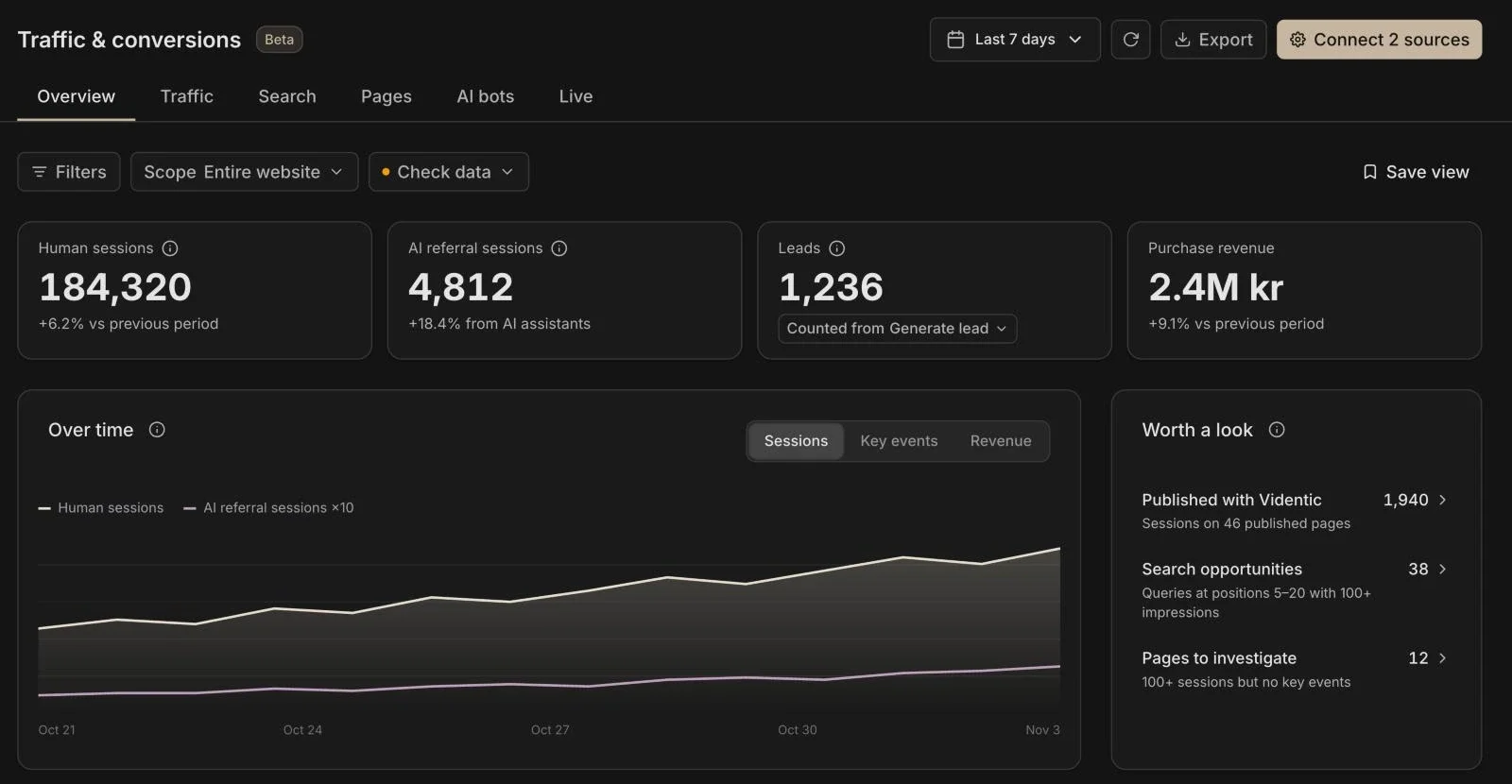
See AI Visibility, AI referral sessions, competitor rankings and the work that needs your attention in one view. Compare AI Visibility with human and AI referral sessions, and connect Google Analytics directly from the Overview. Filter the Overview by AI platform and date range.

More updates1Improvements6Fixes8

Show more

Read your AI Traffic data through the Videntic MCP.

Ask your AI assistant about AI referral sessions and stored Google Analytics or Search Console traffic for any Project you've authorized, with date ranges and source filters. Access is read-only, follows each Project's permissions and flags any missing setup.

Improvements4Fixes7

Show more

Compare Citations Across Analyses

Ask Sira to compare citations across completed Analyses. See what changed, with clear limits when the results cannot be compared directly. Sira compares your two latest Analyses from the past 30 days, or two you choose, and shows which of your URLs gained or lost citations.

More updates4Improvements4Fixes5

Show more

Bulk Prompt Imports

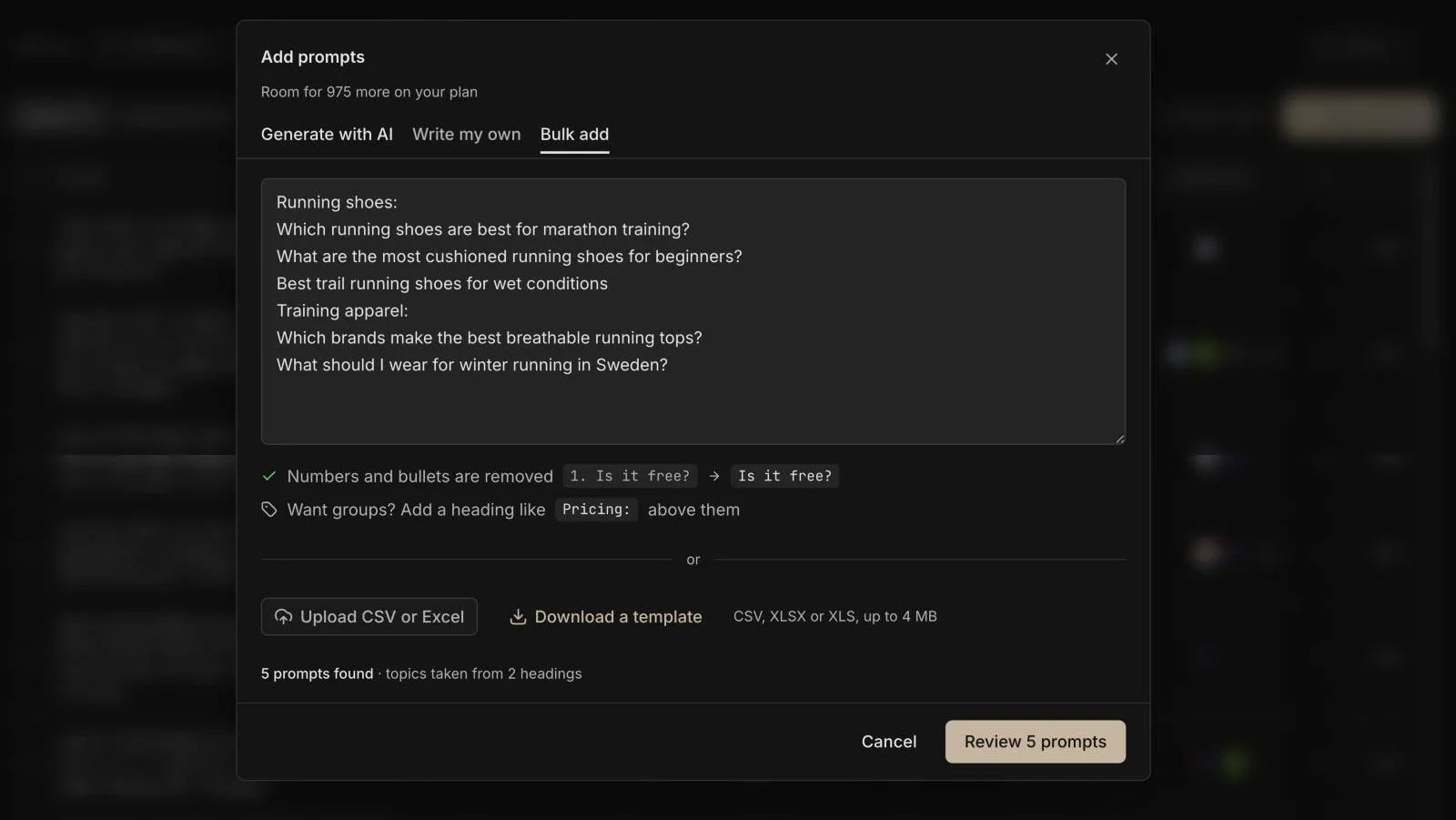
Add a list of Prompts to your Prompt Library by pasting or uploading them. Set topics, search intent, tags, and language for each Prompt or several at once, then review exactly what will be added. Prompts that will not be added show why, such as duplicates or Prompts that name a competitor.

More updates2Improvements4Fixes5

Show more

Enhanced Content Opportunities Panel

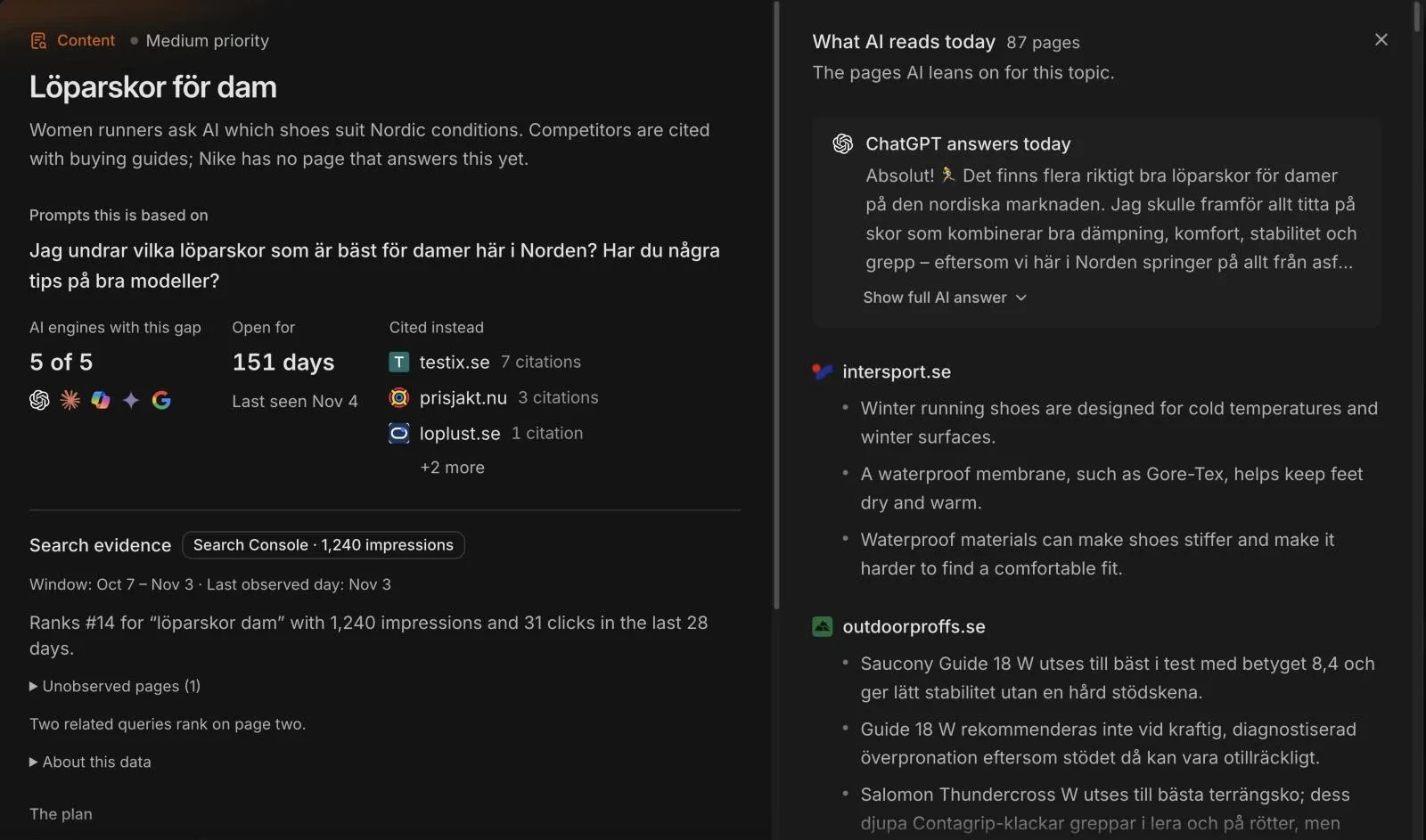
Content opportunities in Content Studio now open as a clear plan side by side with the pages AI cites today, helping you decide whether to draft a new piece or update your existing content. The plan also shows the question people ask AI and a working title with an outline.

More updates4Improvements4Fixes5

Show more

Manage Workflows via Model Context Protocol (MCP)

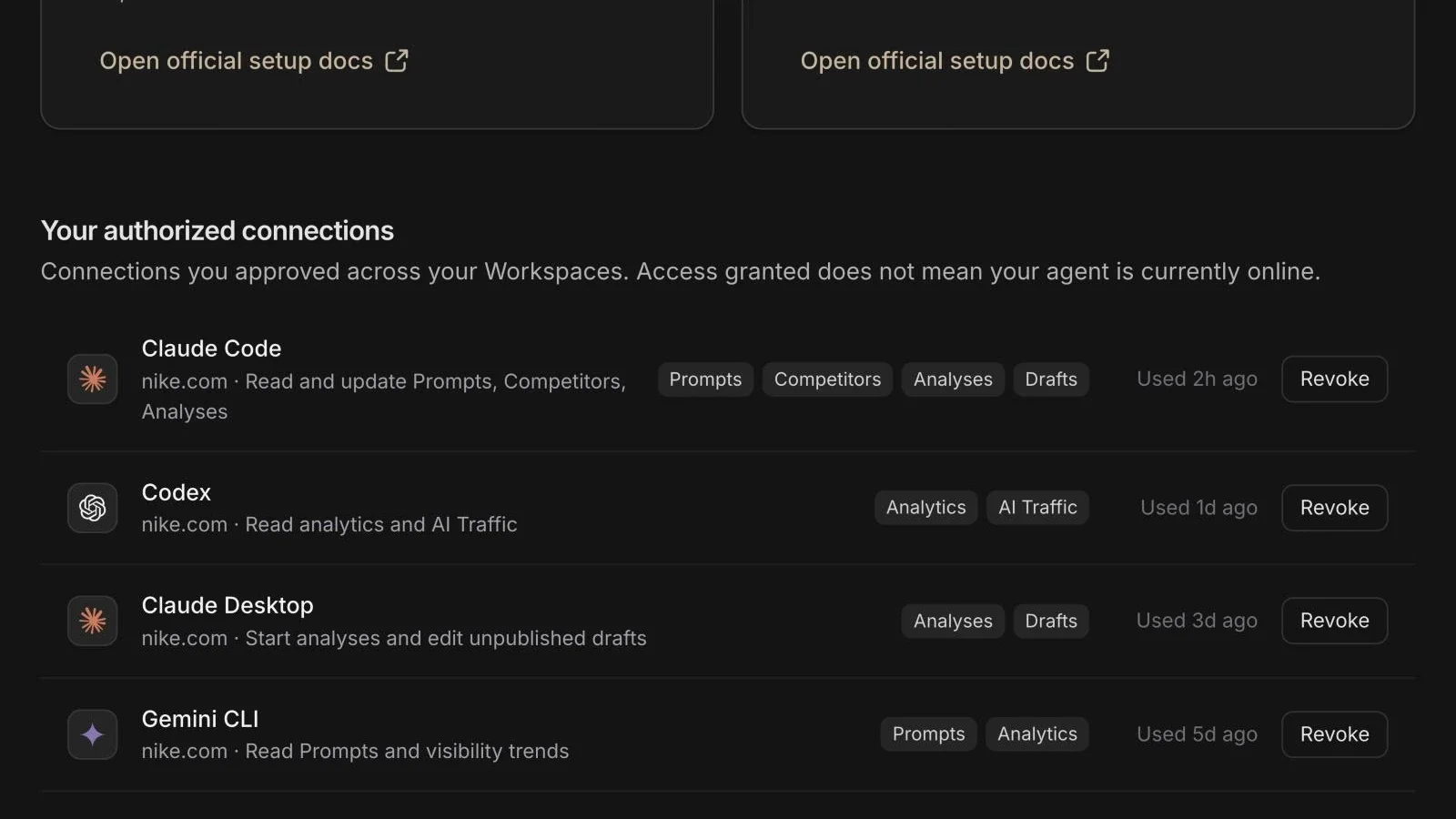
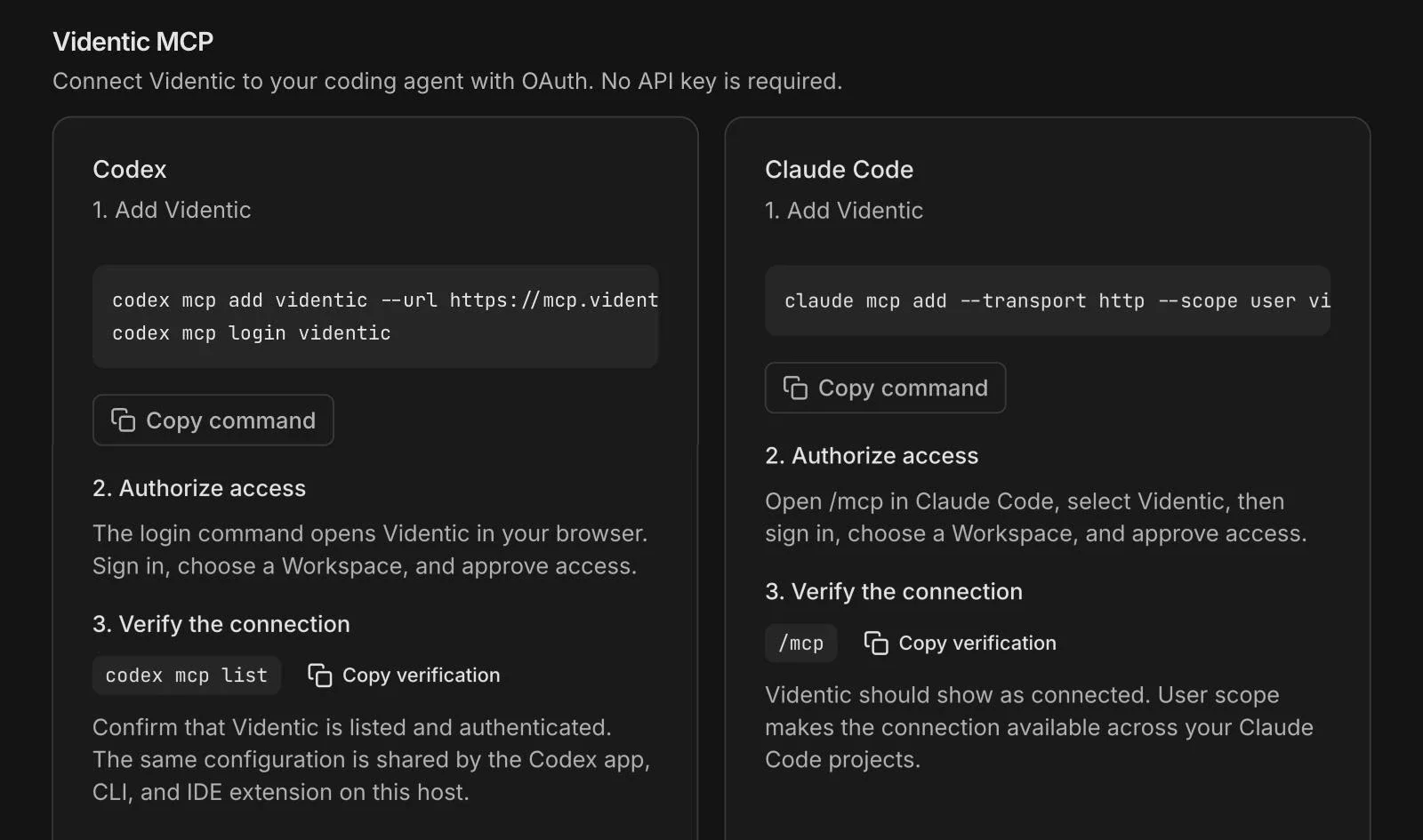
You can now manage your project workflows through MCP, configure granular action permissions, and easily review or revoke active connections directly within your Settings. A connected assistant can then update prompts and competitors, start an analysis, and edit unpublished drafts.

More updates3Improvements4Fixes5

Show more

Messaging Integrations

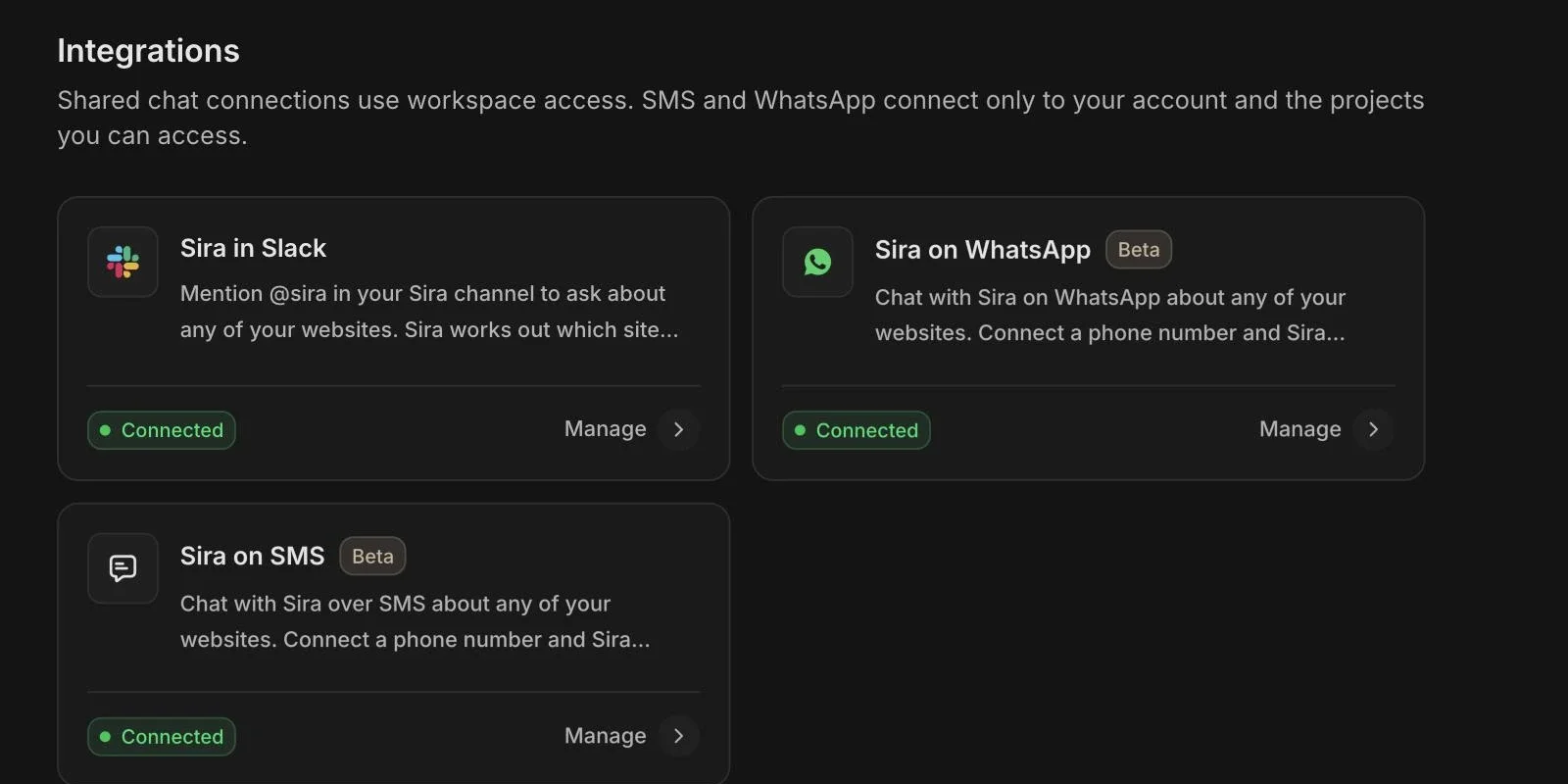
Connect Sira to Slack, WhatsApp, and SMS to chat with the assistant, receive routine notifications, and get interactive charts directly in your messaging apps. Settings first confirms that each number is yours, with a short code for SMS or a unique message for WhatsApp.

More updates2Improvements4Fixes5

Show more

Deep-dive prompt performance analytics

Prompt Performance now opens a comprehensive analysis view for each prompt, showing coverage, rank, and sentiment trends across runs, competitor standing, and cited sources. You can also view every engine's full answer alongside past runs, with search, sorting, and trend indicators directly on the prompt table.

More updates1Improvements4Fixes4

Show more

Model Context Protocol (MCP) Integration

Securely connect external AI assistants to read your authorized project analytics with privacy-safe reliability and usage monitoring. You approve each connection on a consent screen, access is read-only, and each request is checked against your project access.

More updates2Improvements3Fixes5

Show more

Docked Sira Chat

You can now open Sira alongside any workspace screen, allowing you to keep your active projects in view while you brainstorm, write, or analyze data. The panel is resizable and keeps your conversation, so collapsing it or opening the full chat does not interrupt Sira.

More updates2Improvements4Fixes5

Show more

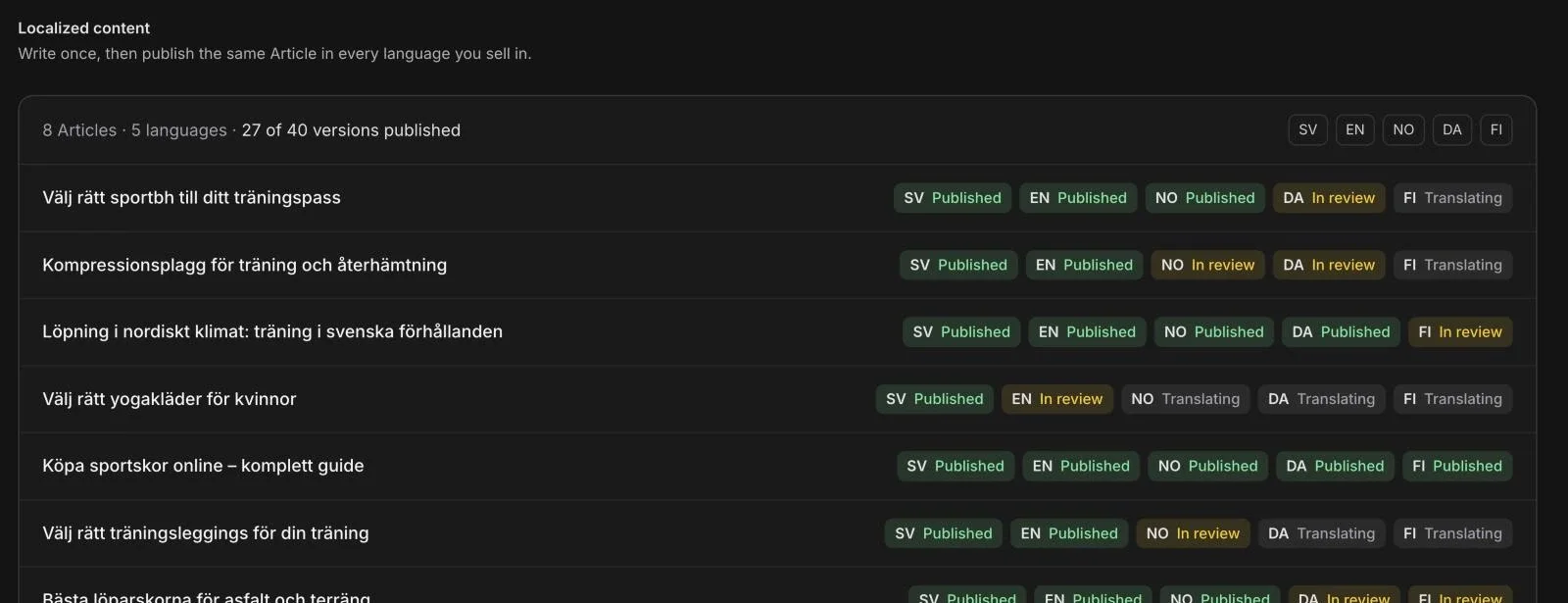
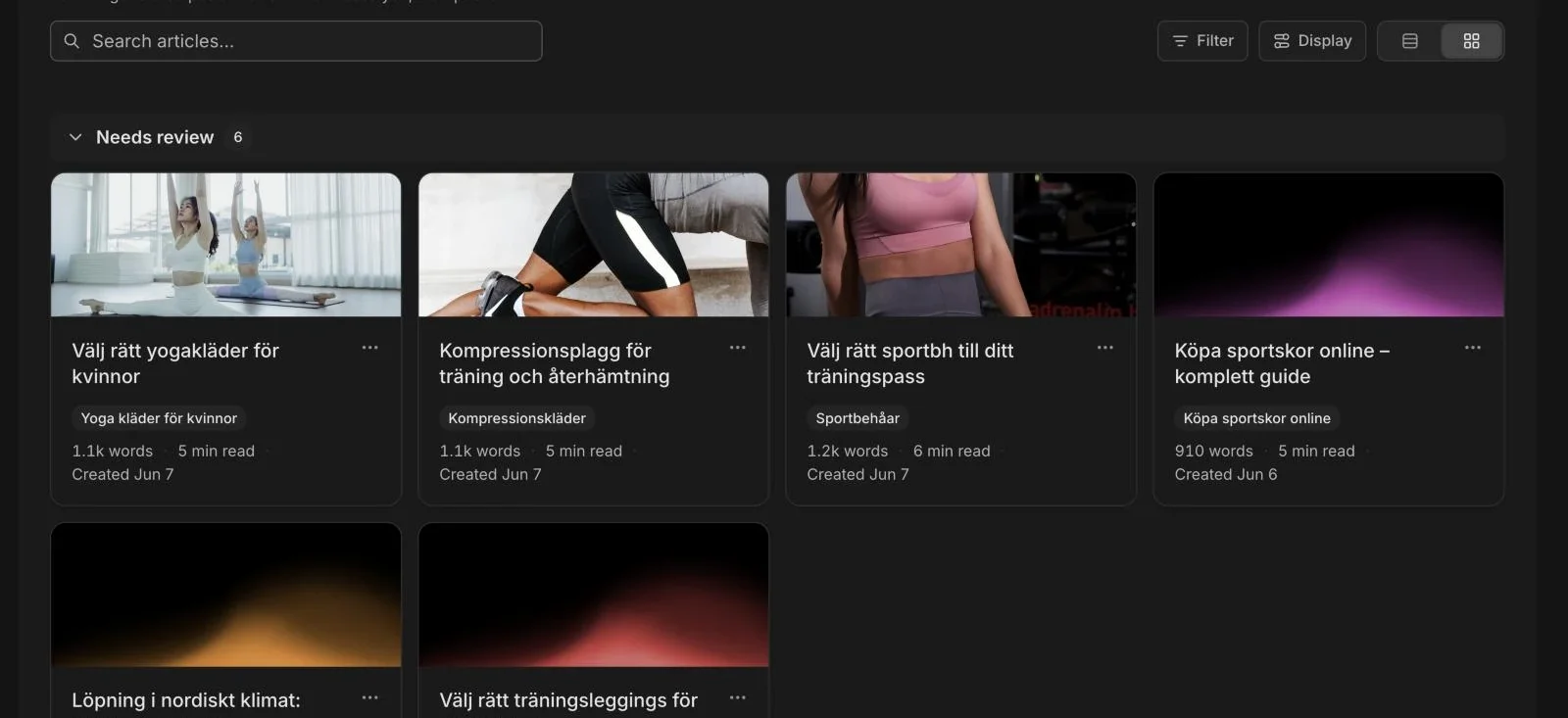
Localized Content Workflows

Create, manage, and publish localized content directly from Content Studio. You can now organize a source article and its translated versions in a single folder, making it easy to review and publish drafts directly to any CMS. Each translated version waits for your review before you accept it.

More updates3Improvements5Fixes4

Show more

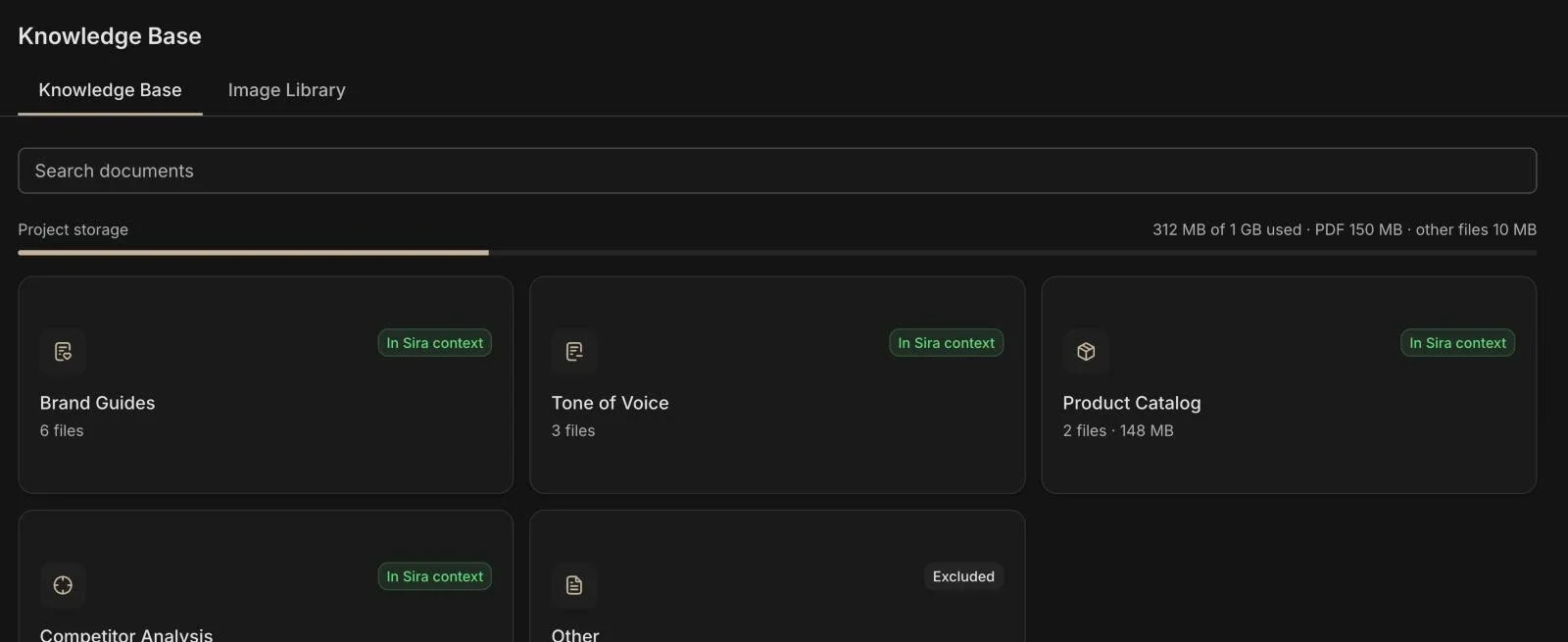
Expanded Storage for Knowledge Base

You can now store up to 1 GB of files across your Knowledge Base and Image Library, with a 10 MB limit per file to easily accommodate larger reference documents. Both now show how much of your storage you have used, so you can check your space before you upload.

Improvements4

Show more

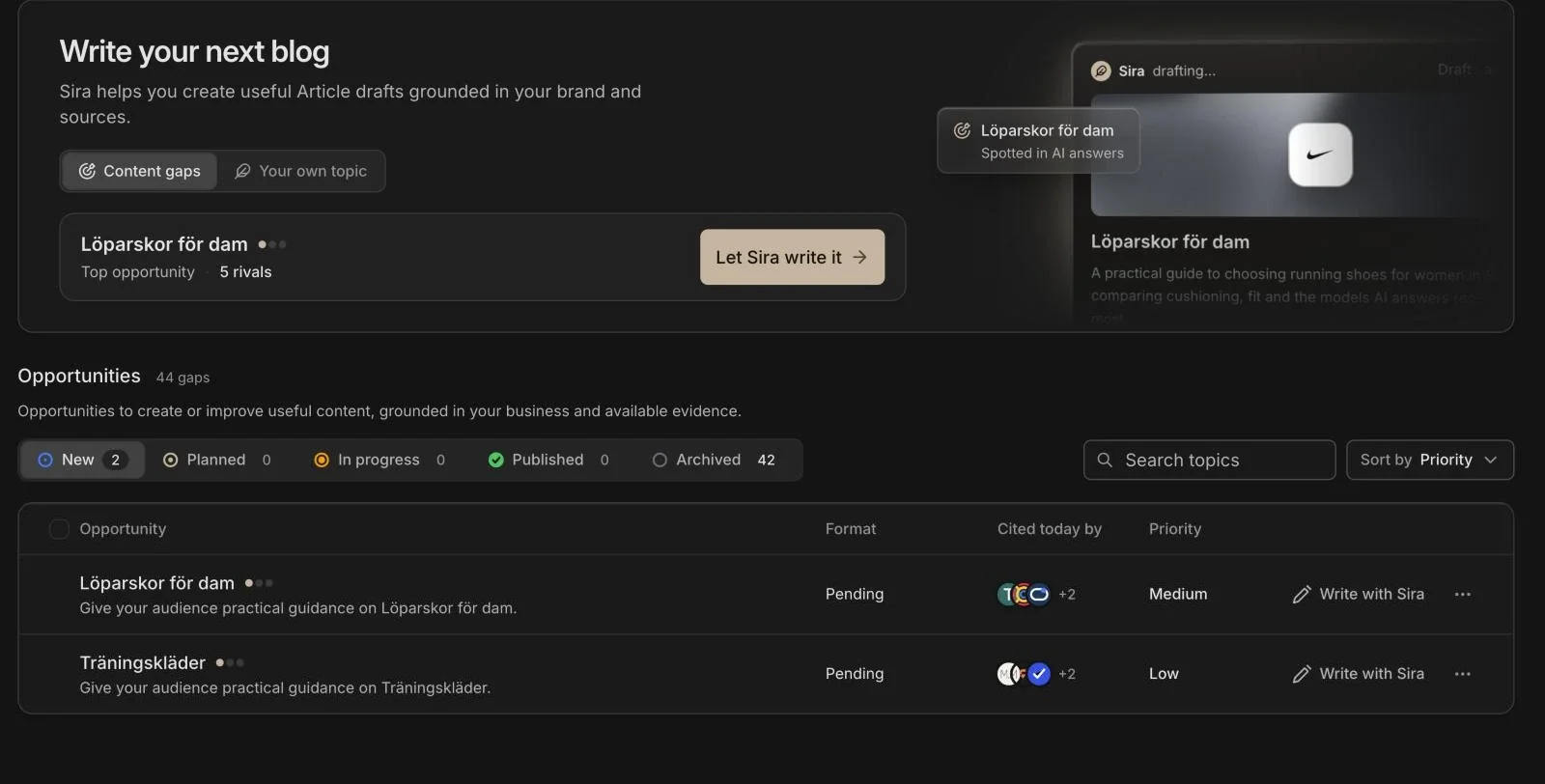
Content Gaps Workflow

Content Gaps are now organized into a manageable workflow (early access). You can sort gaps into status tabs, plan target articles, archive irrelevant suggestions, and watch statuses automatically update as drafts are created or published. Archived gaps stay archived when a later analysis finds them again.

More updates2Improvements4Fixes3

Show more

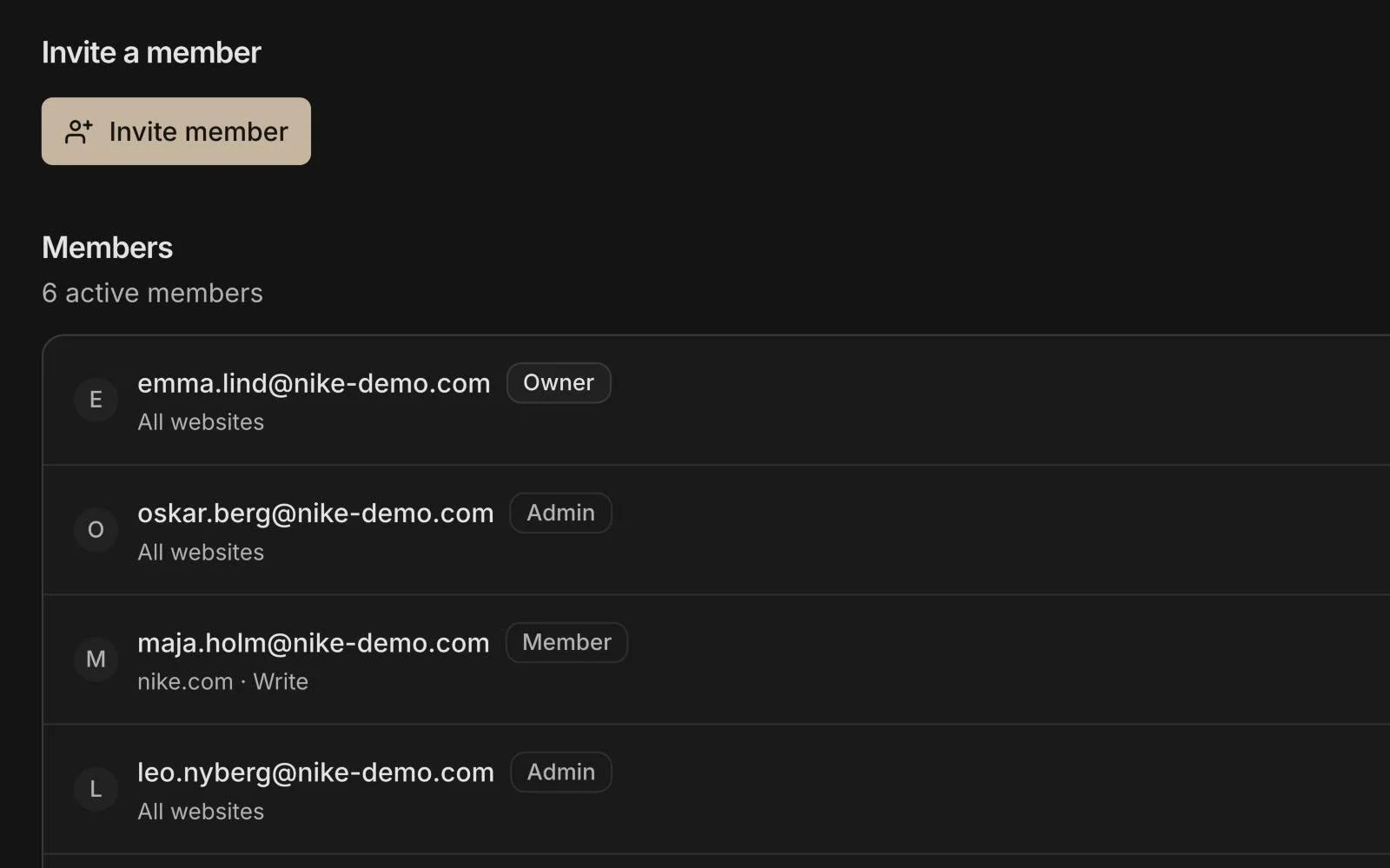
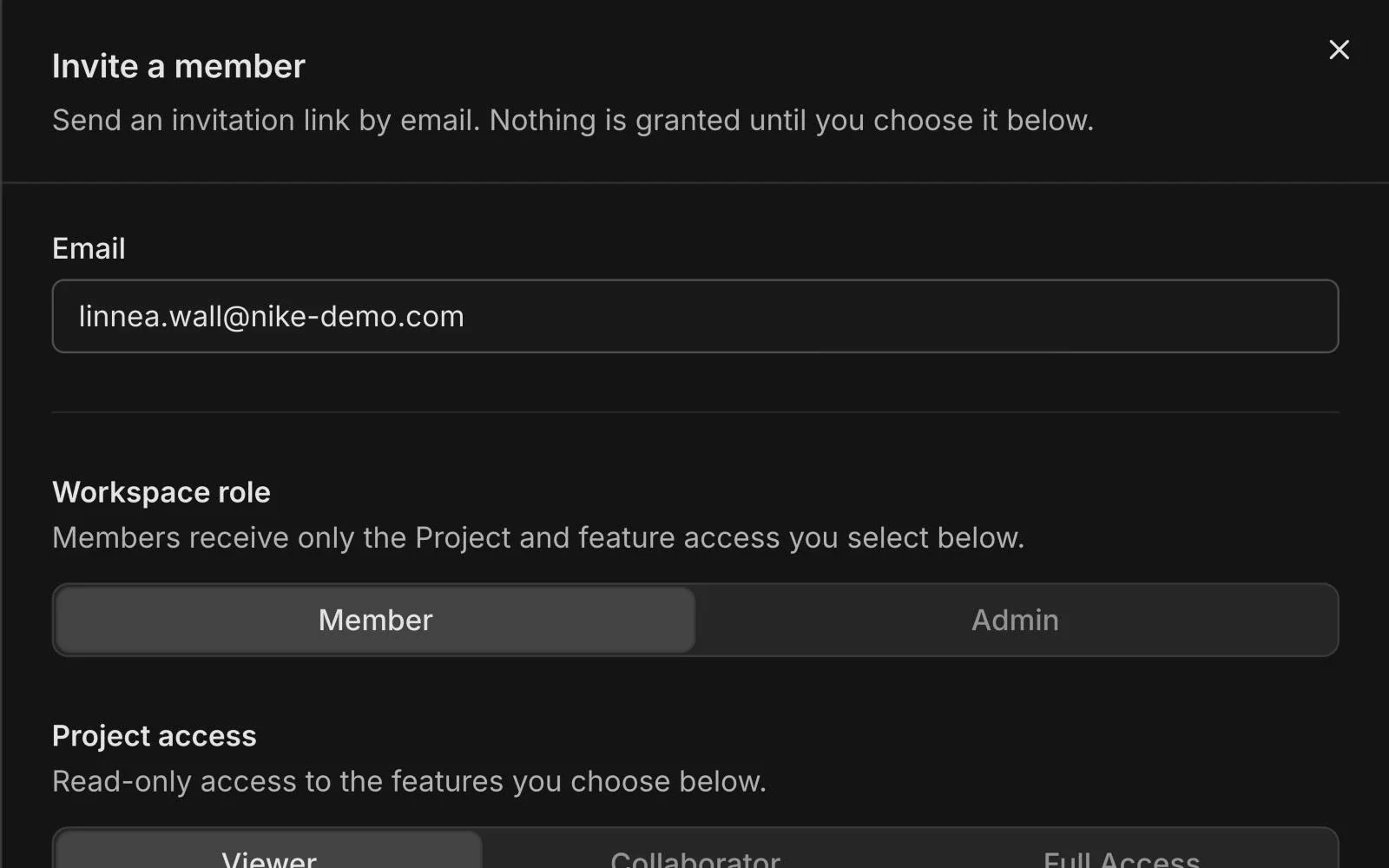
Workspace Admins

You can now invite teammates as workspace Admins. They can add and remove projects, manage members, and access every feature, while billing responsibility remains with the workspace owner. Admins can also rename the workspace and manage API keys, while only the owner can delete the workspace.

More updates2Improvements4Fixes3

Show more

Workspace Switching and Renaming

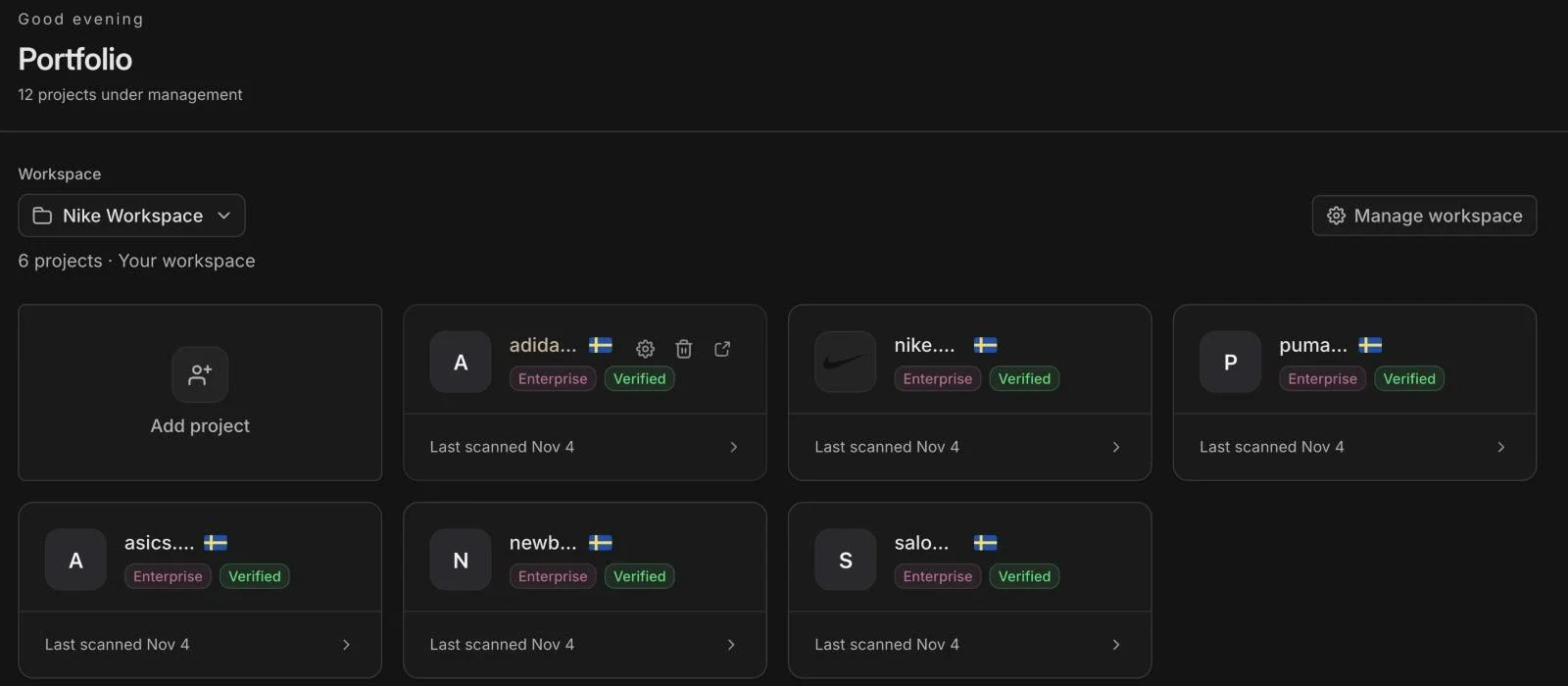
Easily navigate your organization by switching between workspaces directly from Portfolio. You can also rename any workspace you own to keep your environments organized. The Portfolio switcher now lists your own workspaces separately from workspaces shared with you.

More updates1Improvements5Fixes2

Show more

Comprehensive Technical Audits

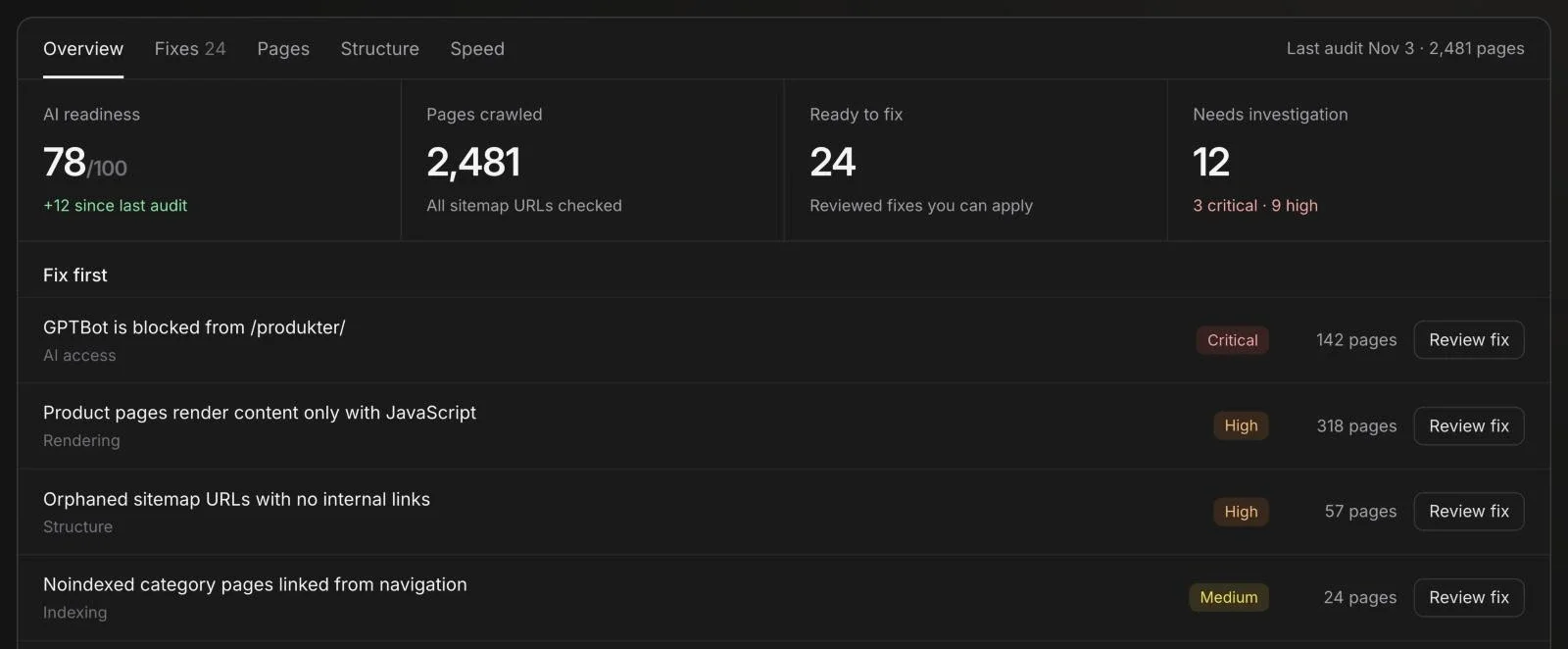
Technical Audits now surface JavaScript-heavy pages, noindexed pages, and orphaned sitemap URLs that were previously missed during crawling. A blocked AI search bot is now flagged as an error, while a blocked bot that only collects training data shows as a notice.

More updates1Improvements5Fixes5

Show more

Off-page engagement opportunities

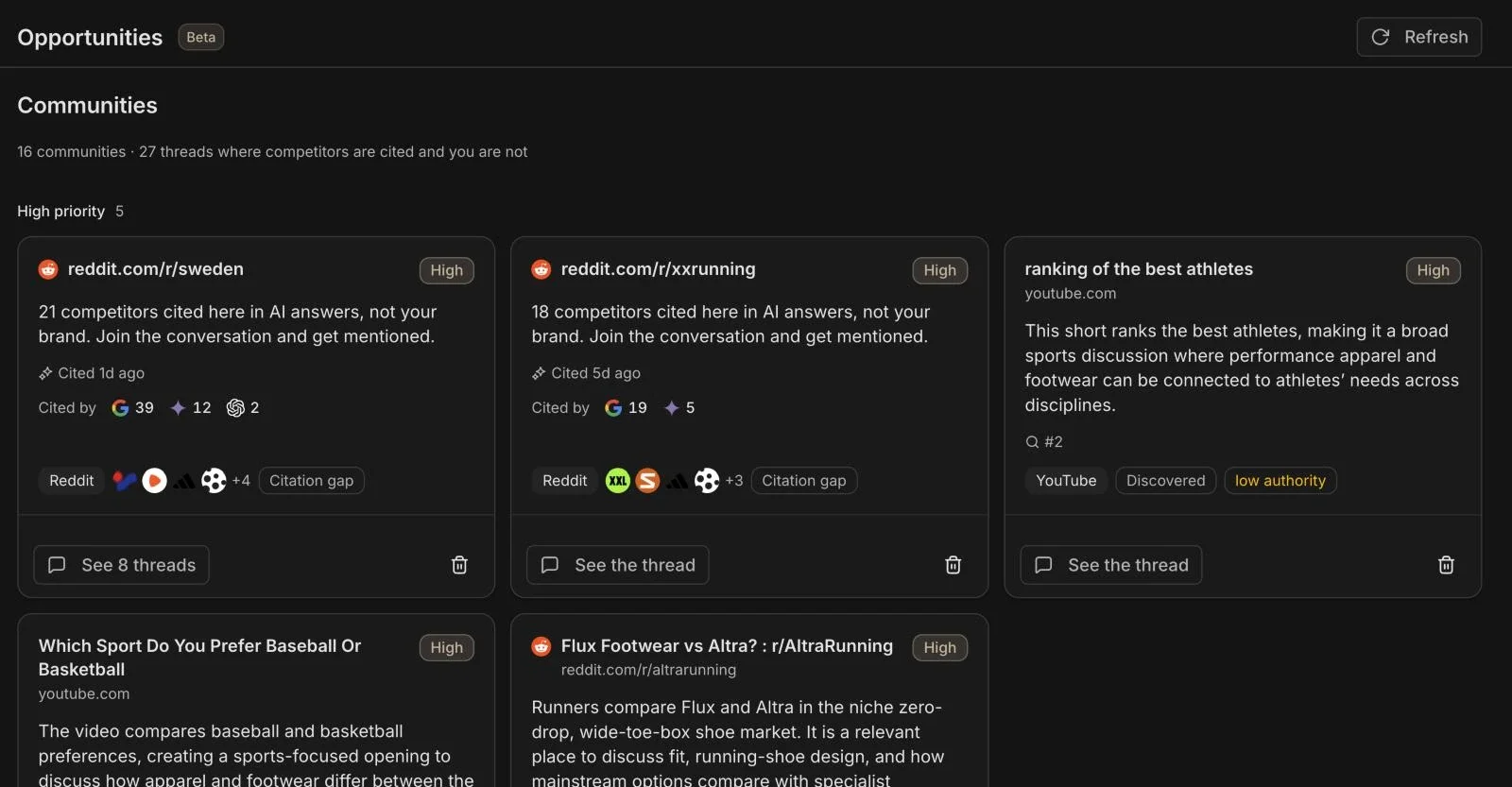
Sira can now spot off-page opportunities, brief you on how to approach them, and suggest a comment to post. They're shown as an easy-to-scan card gallery grouped by priority, each with a recommended action, a link to the thread, a details drawer, and a working refresh.

More updates3Improvements5Fixes5

Show more

Routine delivery channels

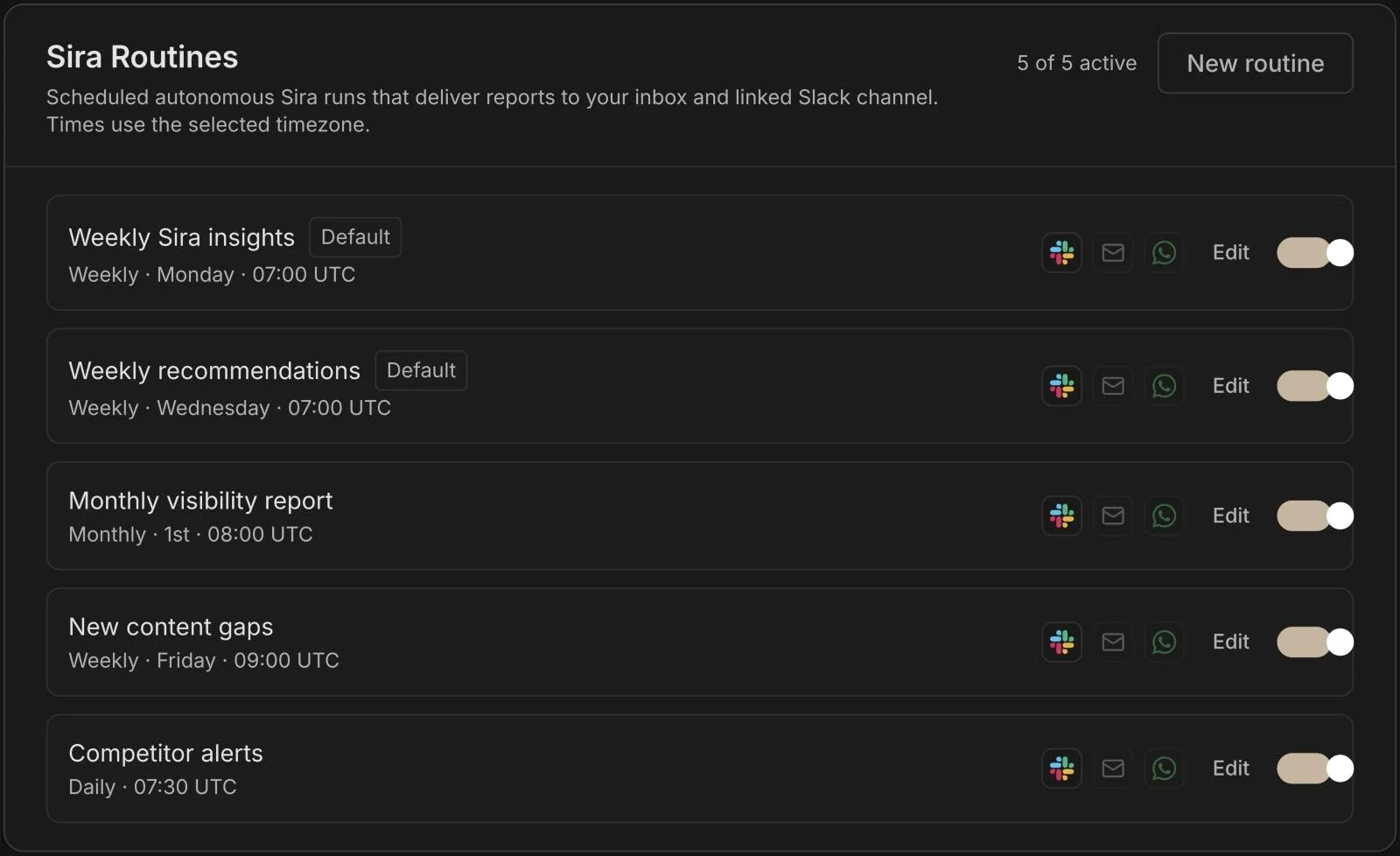
Routine settings now show delivery channels for Slack, Email, and WhatsApp. Slack is live today; Email and WhatsApp are marked "Coming soon." Each routine in your list shows its channels as badges, and a new Delivery channels section appears when you create or edit a routine.

More updates2Improvements4Fixes5

Show more

Draft preview links in Slack

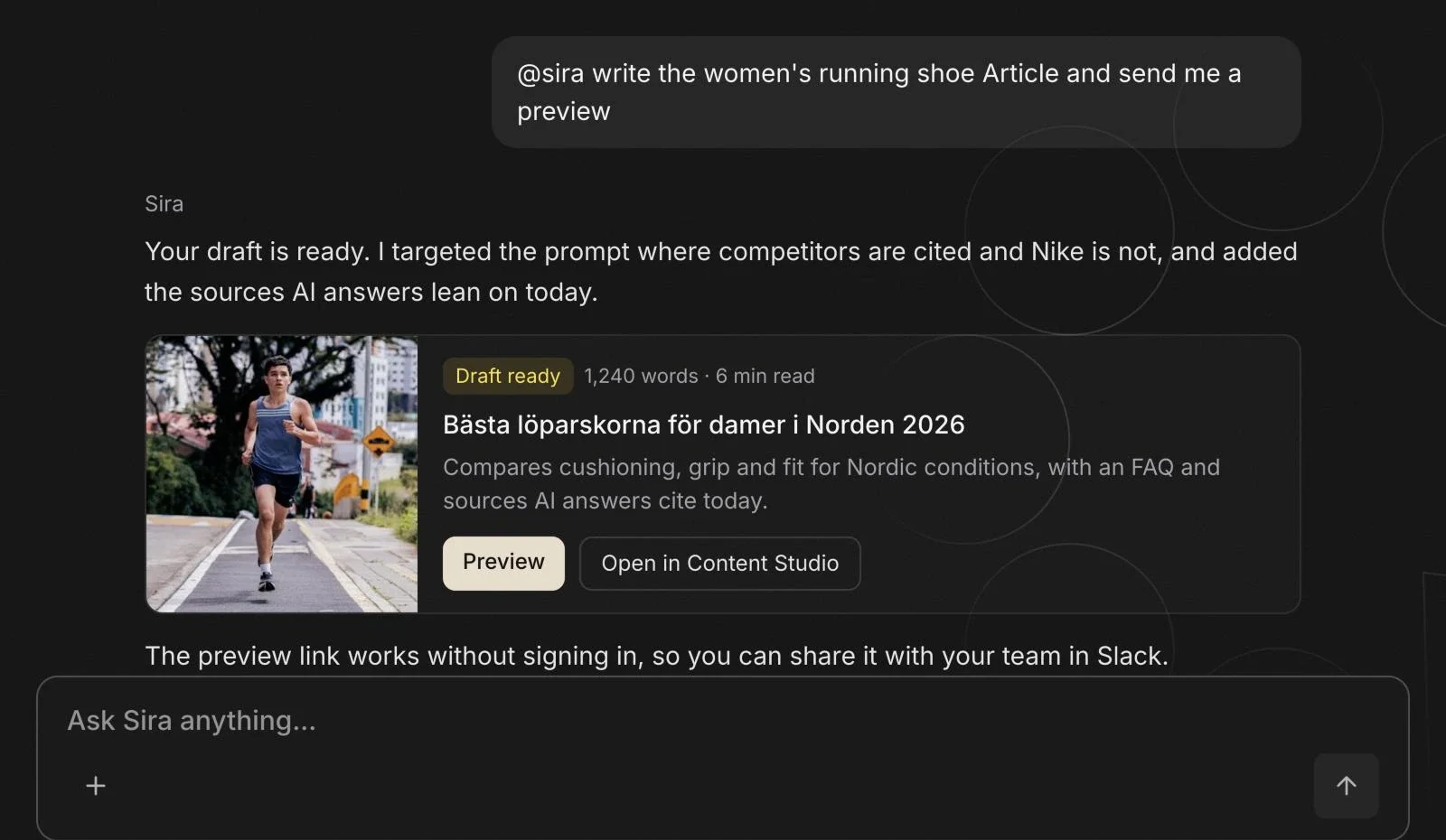
Sira in Slack now includes a preview link when it opens or creates a draft, so you can jump straight to reading it in your branding. The link works without signing in, and routine reports posted to Slack now add a Preview link under each unpublished draft as well.

Improvements5Fixes5

Show more

Talk to Sira from Slack

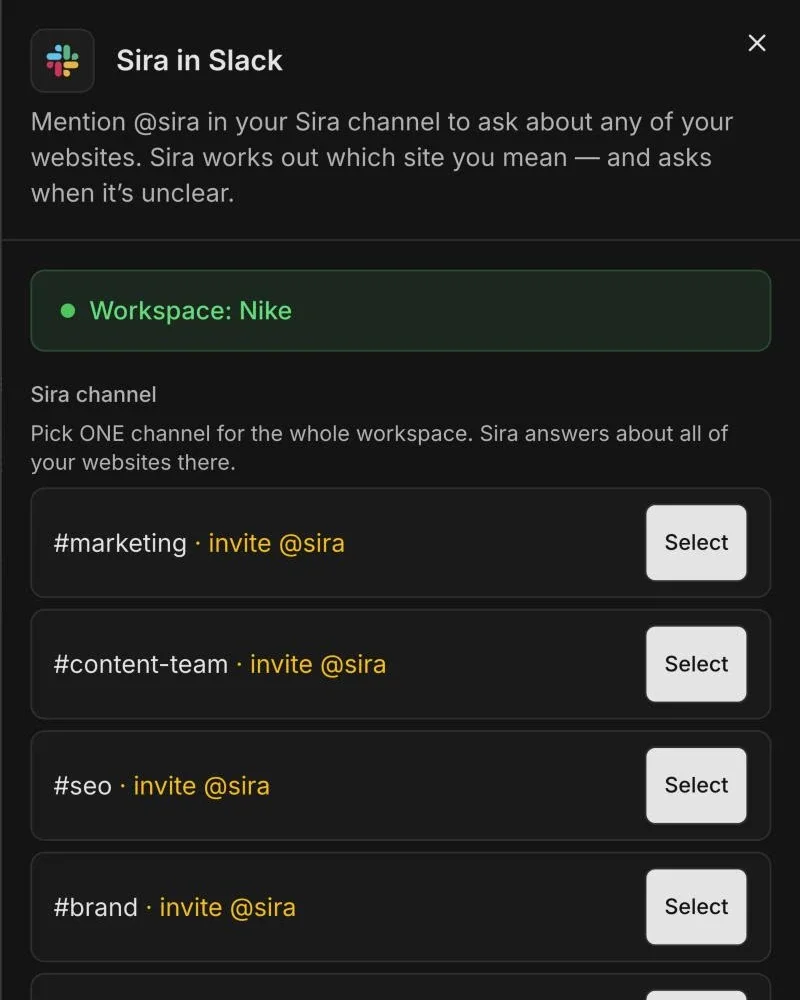
Mention Sira in a Slack channel linked to your workspace to get answers right in the thread. It's set up once for your whole workspace under Settings, Integrations. It renders tables, code, and lists cleanly, shows a live status message as it works, and posts a preview card with a featured image and link when it reports a new blog post. Slack access is gated to enterprise; others see a Request access option.

More updates4Improvements4Fixes5

Show more

Inline charts in chat

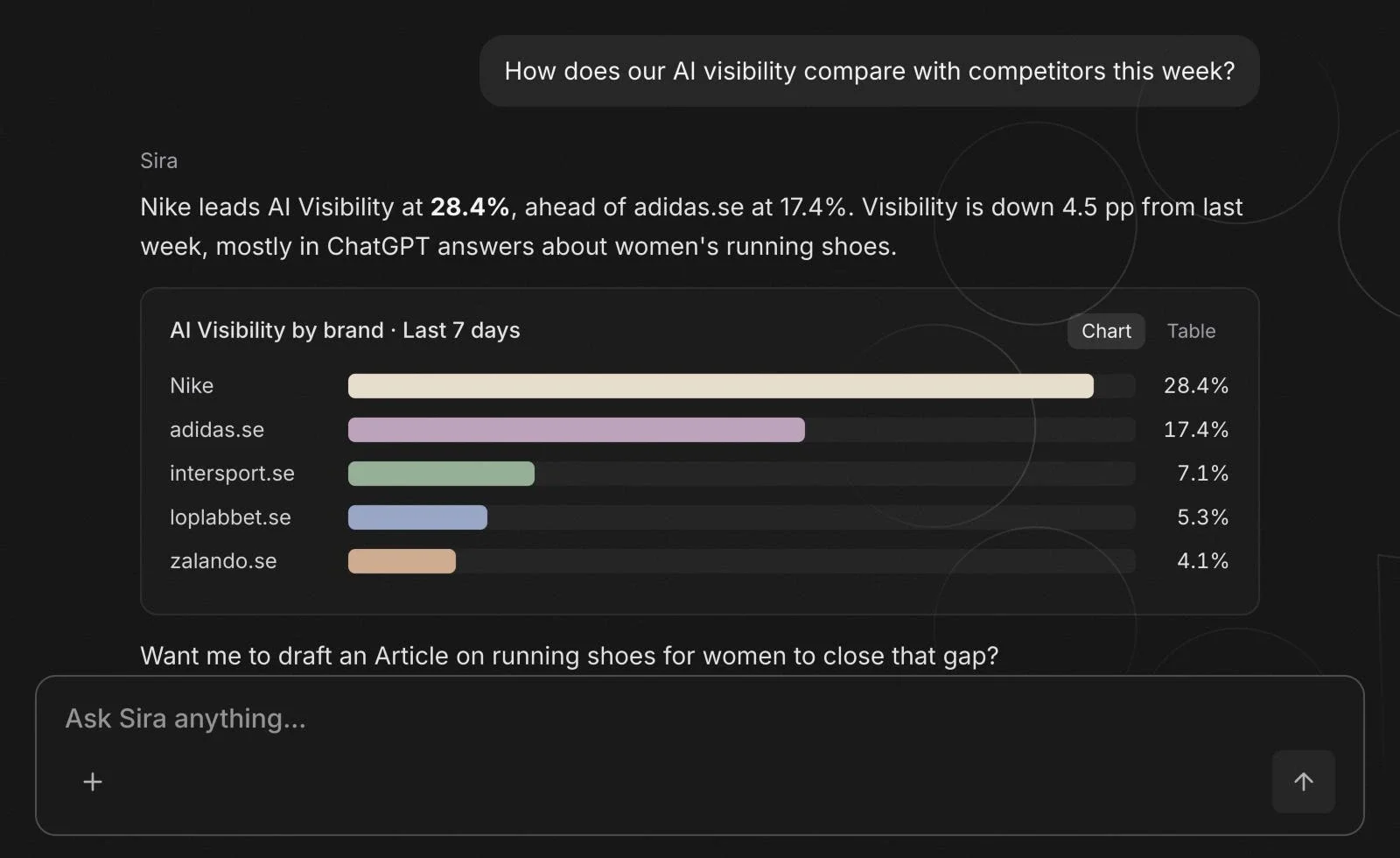
Sira can now render charts directly in chat to visualize your SEO and AI-visibility data. Charts can be line, area, bar, stacked bar, radar, or scatter, with values shown on hover. Sira can also show sortable tables, and both stay in the chat when you reload it.

More updates3Improvements4Fixes5

Show more

Larger brand documents in the Knowledge Base

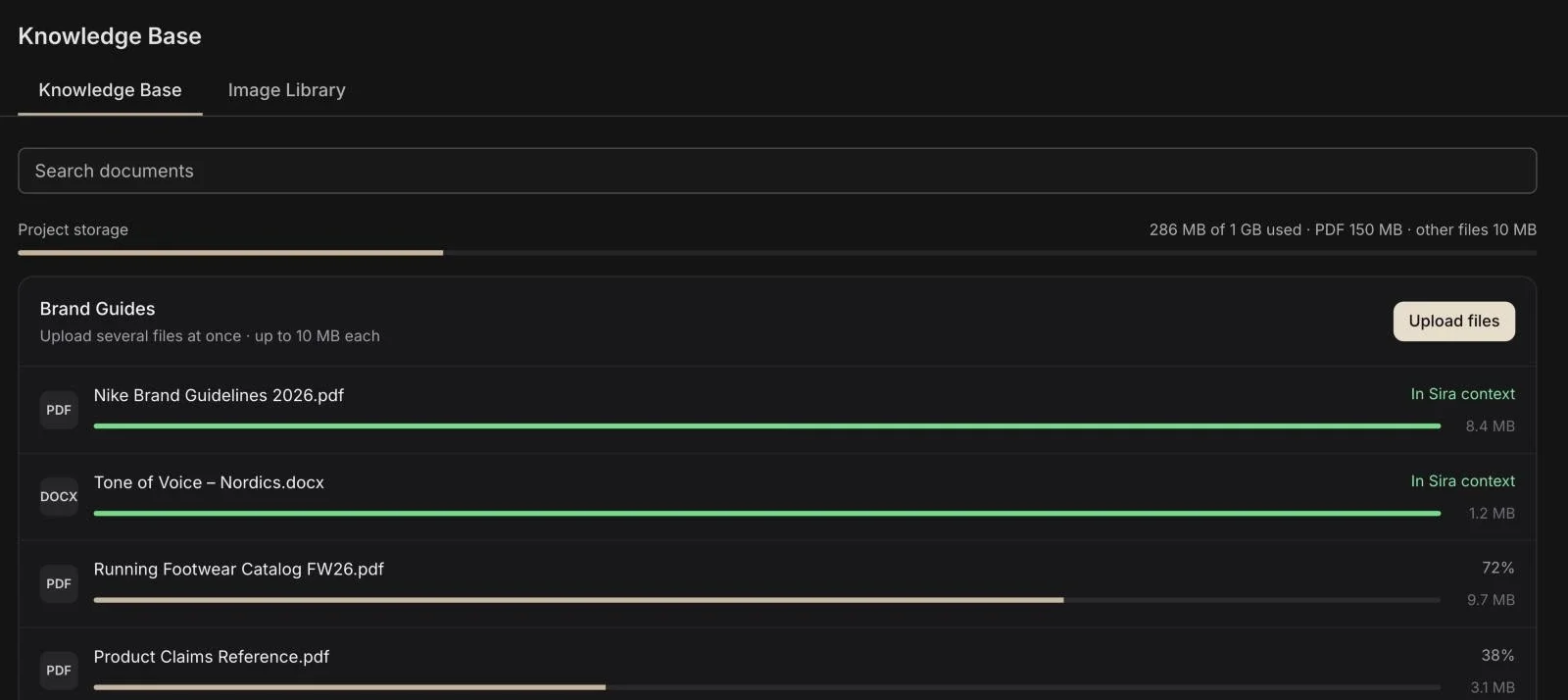
The Knowledge Base now accepts brand documents larger than 4 MB, so bigger files upload without issues. Files up to 10 MB are supported, you can select several at once, and each upload shows its own progress bar. If an upload fails, the error appears on that file's row.

Improvements2Fixes3

Show more

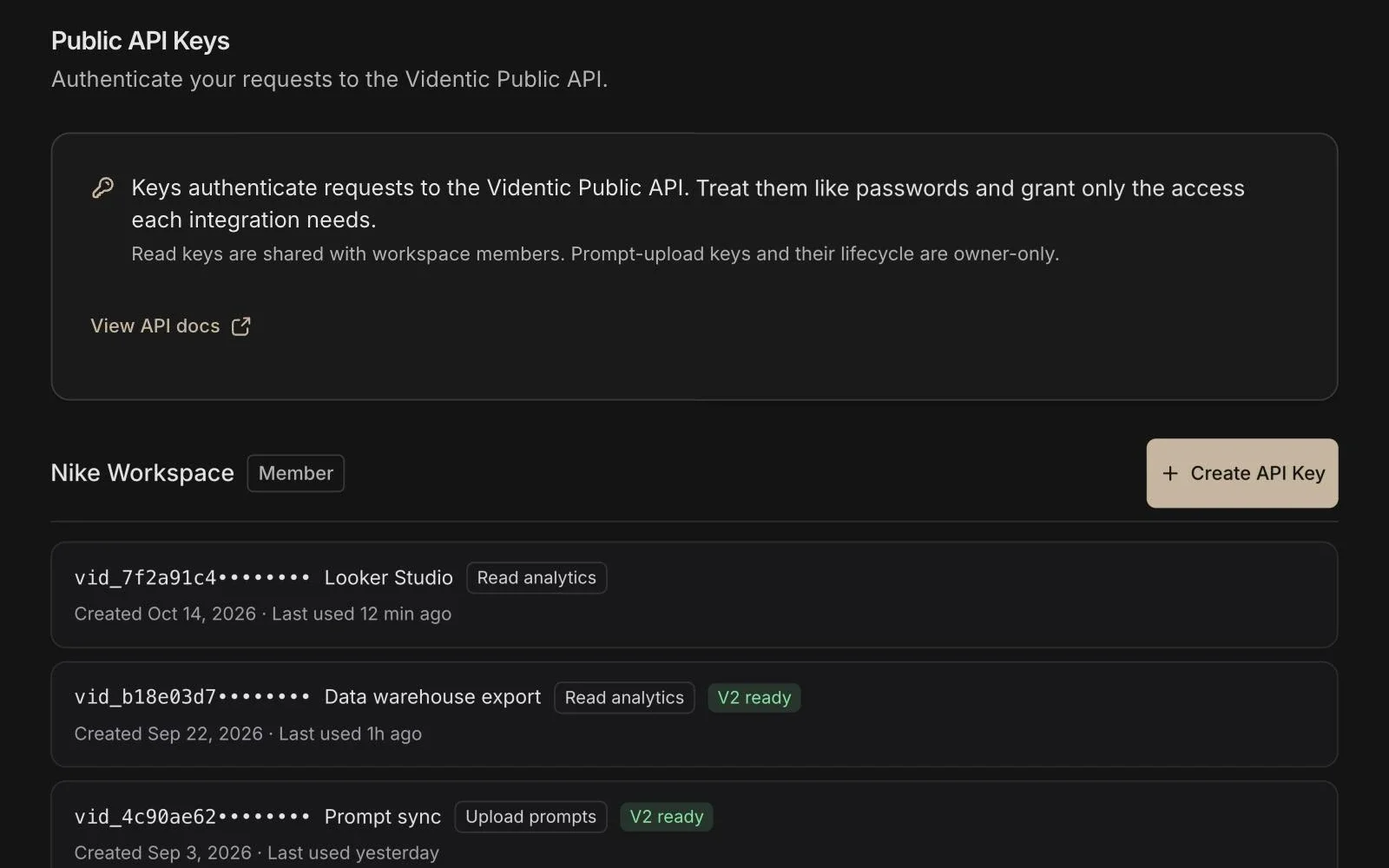
Public API

You now have programmatic access to your visibility, mentions, and competitor data through a new Public API. The API is read-only and covers your whole workspace, so you can export everything in one request or page through websites, brand mentions, analytics reports, and competitors.

More updates1Improvements2Fixes2

Show more

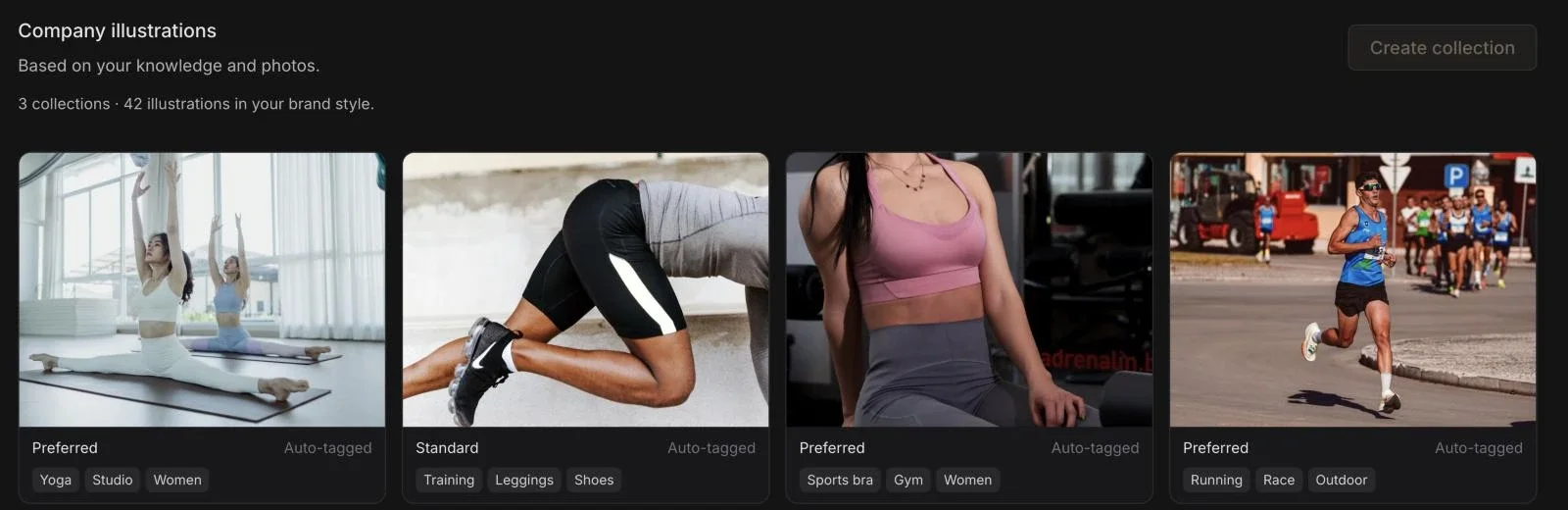
Brand Knowledge Base

Upload your brand documents and images so Sira writes in your voice and uses your own assets. Each image you upload is described and tagged automatically, so Sira can find the right one when it writes a draft. Any tags you add yourself take priority over the automatic ones.

More updates3Improvements5Fixes2

Show more

Workspaces for teams

You can now invite teammates and switch between organizations, so teams can work together in one place. Drafts respect workspace boundaries and link back to the chat that produced them. You choose read, write or admin access per website for each invited teammate.

More updates2Fixes3

Show more

GEO content creator

A new content creator built for generative-engine optimization, with voice calibration and quality checks so drafts sound like you and hold up well. It learns your voice from existing posts on your site, and drafts include an FAQ section and images to help them get cited.

More updates3Improvements2Fixes2

Show more

Meet Sira

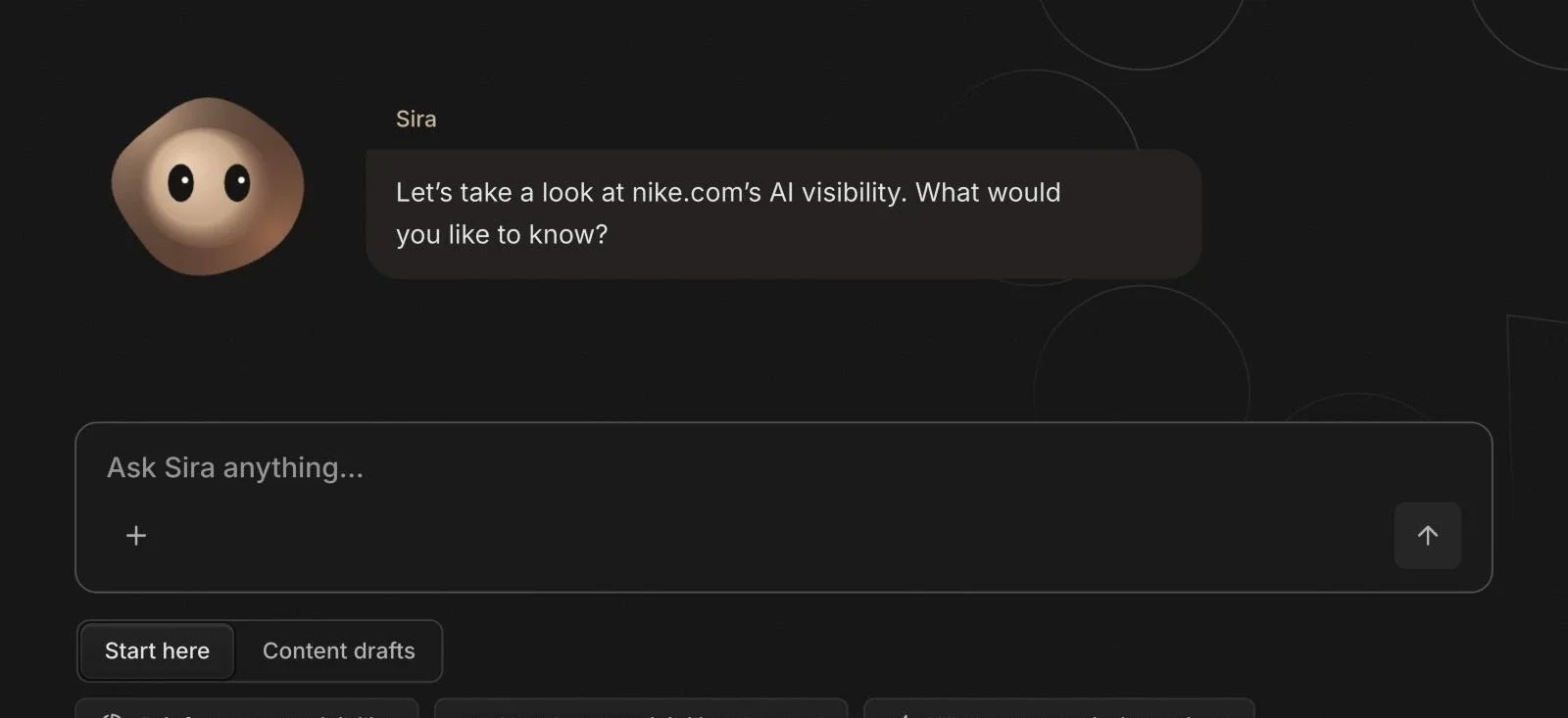
Sira is a new chat-based assistant, grounded in your own site and analytics, so you can ask questions and get answers that actually know your data. Sira reads your latest analytics, site audits, pages and brand details at the start of each conversation, and saves the conversation for later.

More updates2Improvements2Fixes1

Show more

Subscription management

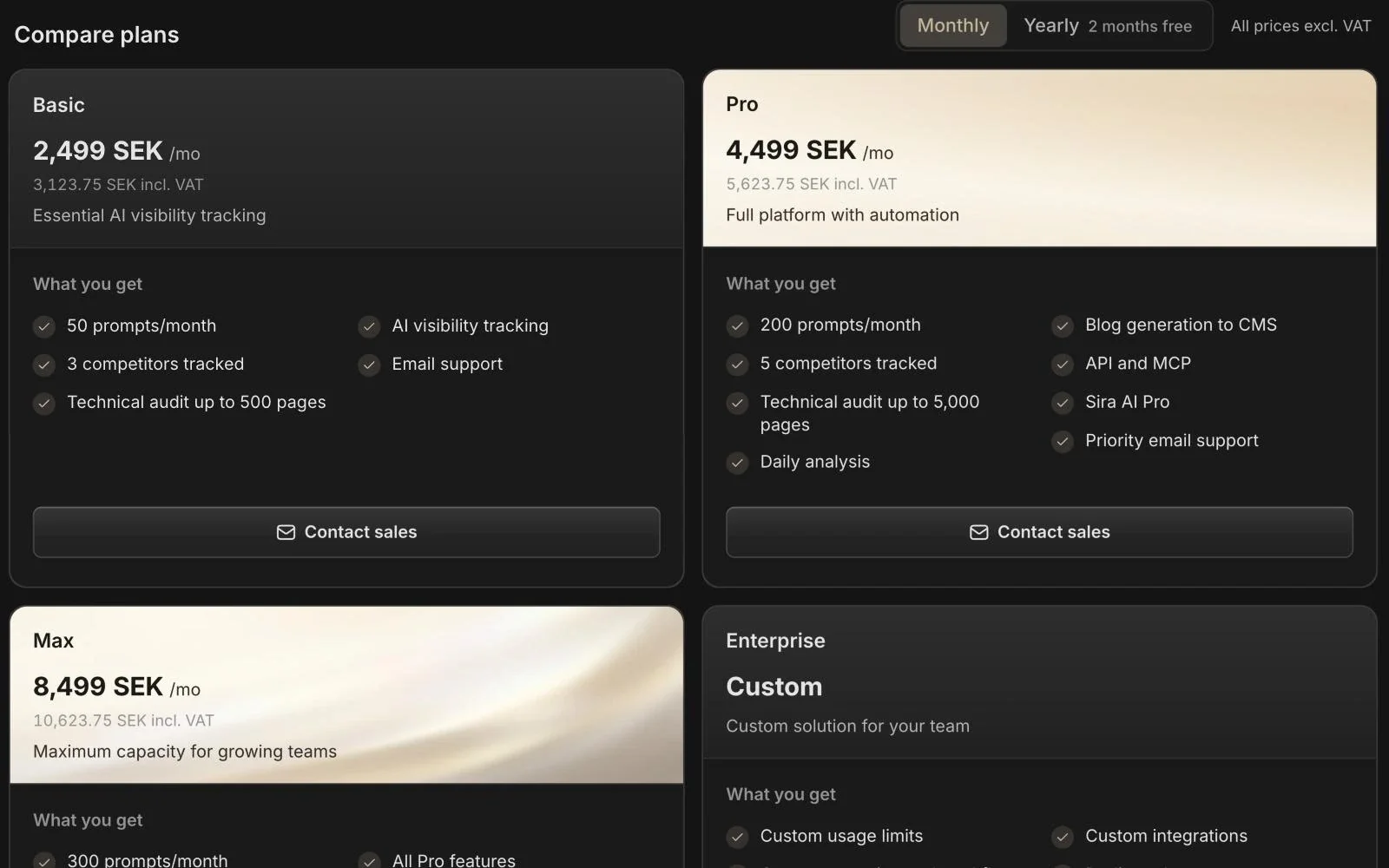
Manage your subscription directly in the app. You can switch plans, check how many days are left in your trial and download your invoices as PDFs. If you cancel a paid plan, you keep access until the end of your current billing period, and you can update your payment details in the billing portal.

More updates1

Show more

See how AI talks about your brand.

Track your visibility across AI platforms, and get the fixes and content to improve it.

Start free trial

7-day free trial.